Per-message Profiles
Per-message profiles allow you to attach a custom identity to a message. These profiles are stored in your account, and they are only visible to other users when you send a message with them.
Creating a profile
Go to Settings → Per-message profiles → Your per-message profiles and find the New profile button.
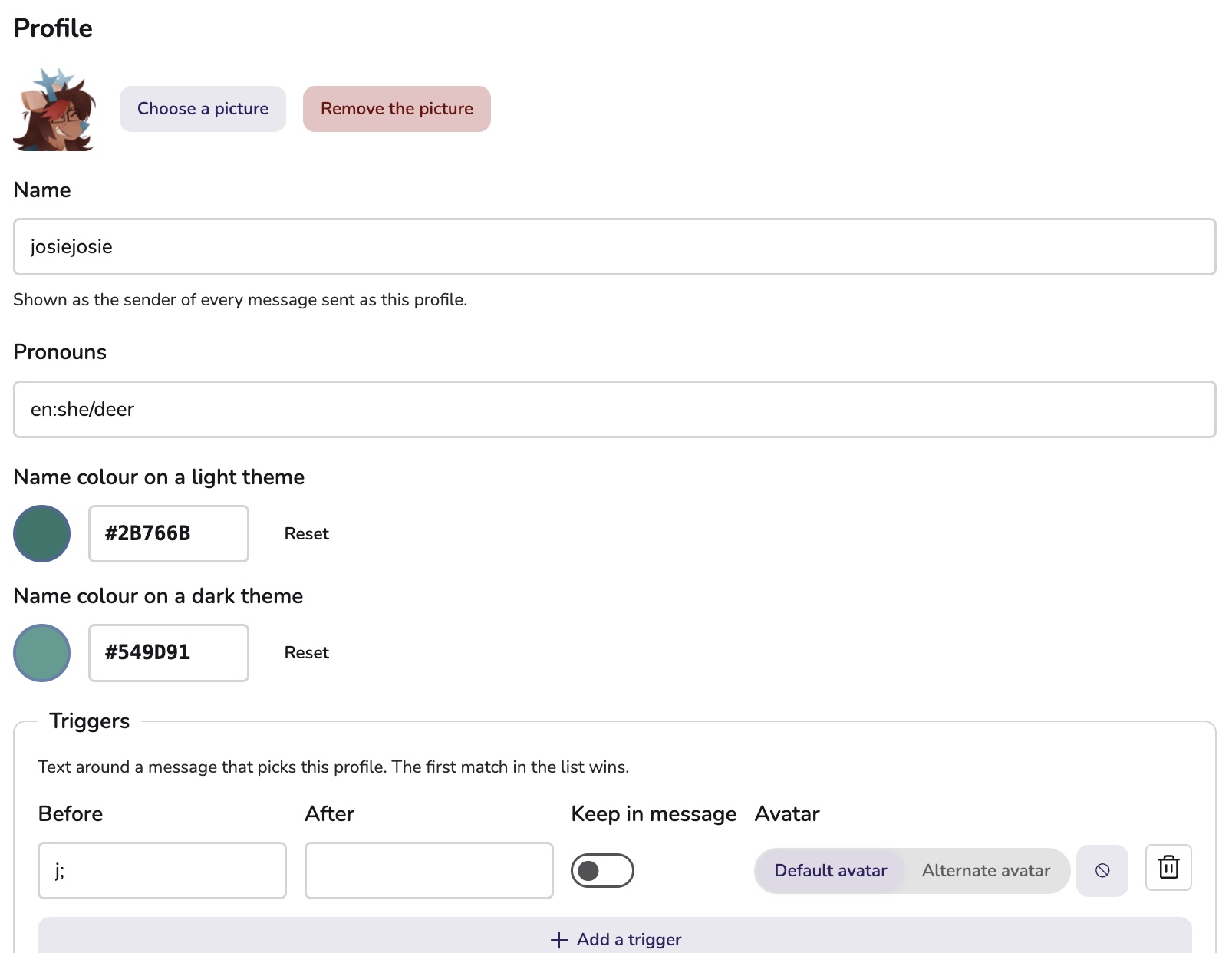
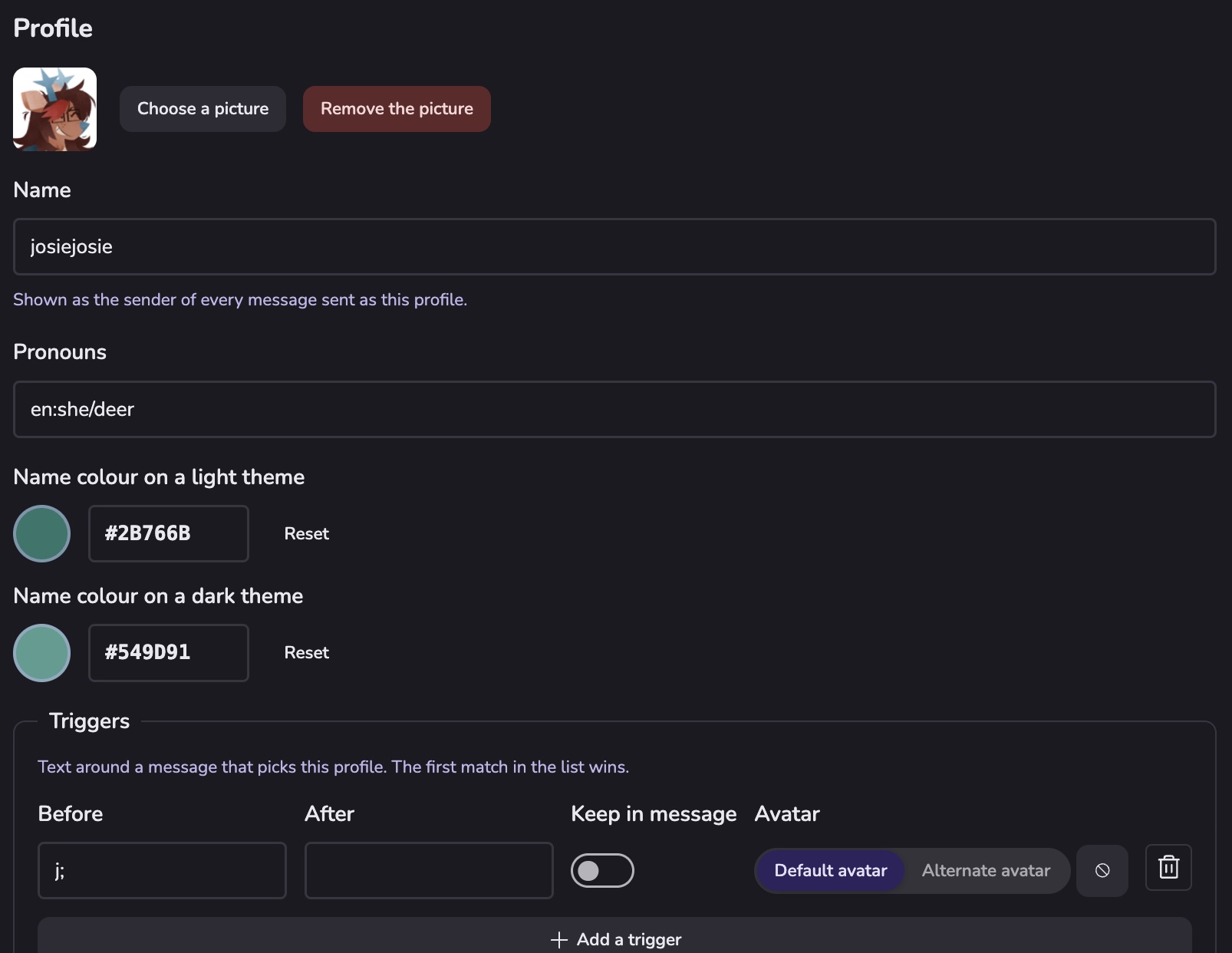
You can upload an avatar and set name and pronouns. You can also set other cosmetic profile options, like a biography, name colour, extra avatars (which can be selected in the picker, or using triggers), and animal identity.
Don't forget to hit the save button before leaving the screen.
Using profiles


The simplest way to use profiles is through the 'picker', which shows in your message composer once you add a profile to your account.
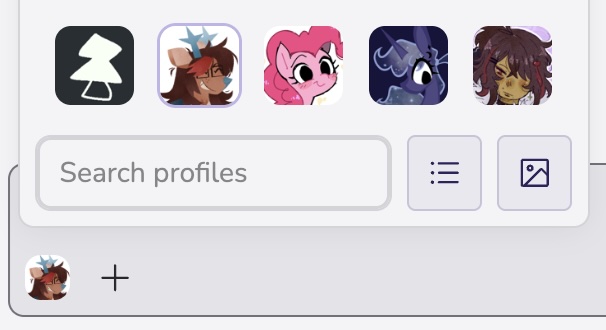
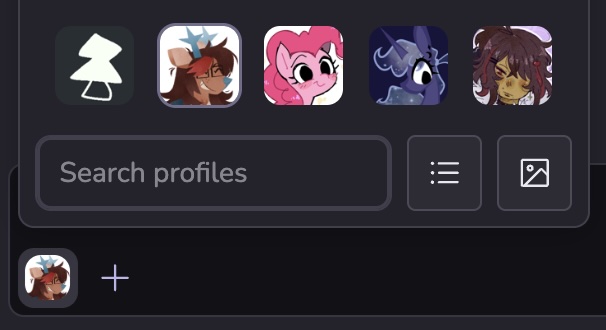
The menu allows you to quickly switch between profiles, and your chosen profile will be kept for all messages within your selected scope. You can change the scope this defaults to (Globally, per-room, or per-space, or show a button in the picker for quick scope switching) by going to Settings → Per-message profiles → Profile picker sort order. You can change if the menu layout is a grid or a list with the button to the right of the searchbox.
You can also use 'shorthand' triggers to change your selected profile without having to use the picker. If so, make sure to enable the Shorthand triggers option is enabled. You can also optionally enable the Keep the profile selected after shorthand option, commonly known as 'latching', to keep that profile selected after a message is sent. If you use shorthands in combination with the profile picker, the picker's avatar will change when a shorthand is found in a message you are writing.
Importing profiles from PluralKit
Users of PluralKit may like to keep their profiles in sync with PluralKit. If you know your System ID (pk;s), you can use this to import your system directly into Sable. If you have private members, you will need to provide a token (pk;token) in order to get a complete sync. You can also upload an export (pk;export).
Sable saves assocations between PluralKit members and per-message profiles. If you re-import, Sable will find profiles previously imported from PluralKit and update them accordingly.
Please consider backing up your PMP data before doing possibly destructive actions, like importing from PluralKit.