Rules
Rules can be set in rooms. This makes members with a supported client view and accept your rules before being allowed to participate in a room.
Rules can either be set in a space, or a room. If it is set in a space, rooms that defer to that space will ask the member to accept rules for the space, not just the room. It is recommended that you add room rules and space rules, unless you require members to join your space before joining a room. This is because members who do not join your space may not see the rules otherwise.
Creating rules
Go to Settings → Rules.
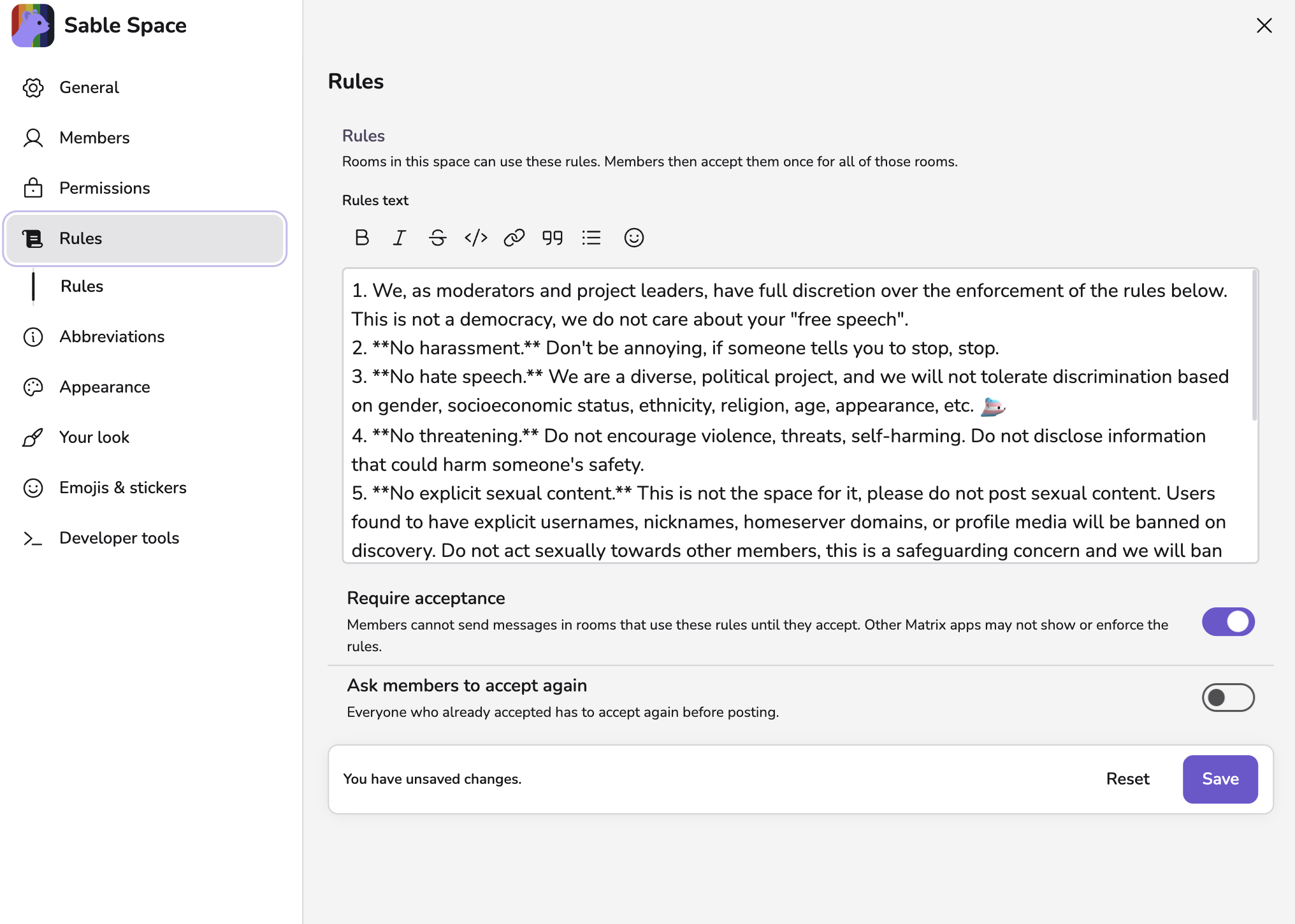
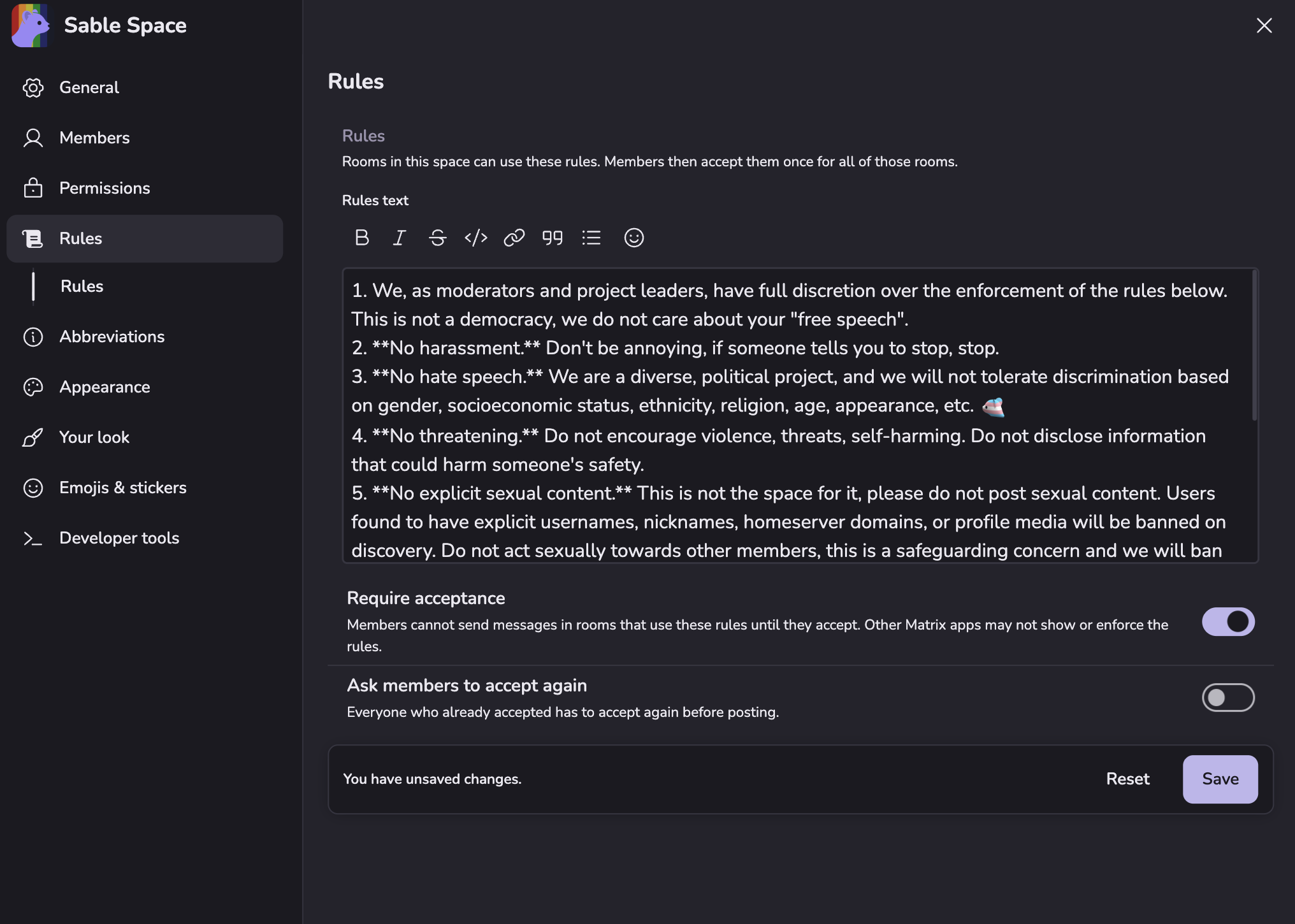
You can opt to Require acceptance, which means that members must accept your rules to participate.
In a room, you can choose to defer to its containing space for rules. As mentioned above, it is suggested that you also provide room rules.


Accepting rules
When entering a room with rules, you will be asked to accept them. Whether you can participate or not without accepting the rules is dependent on the configuration of the room.
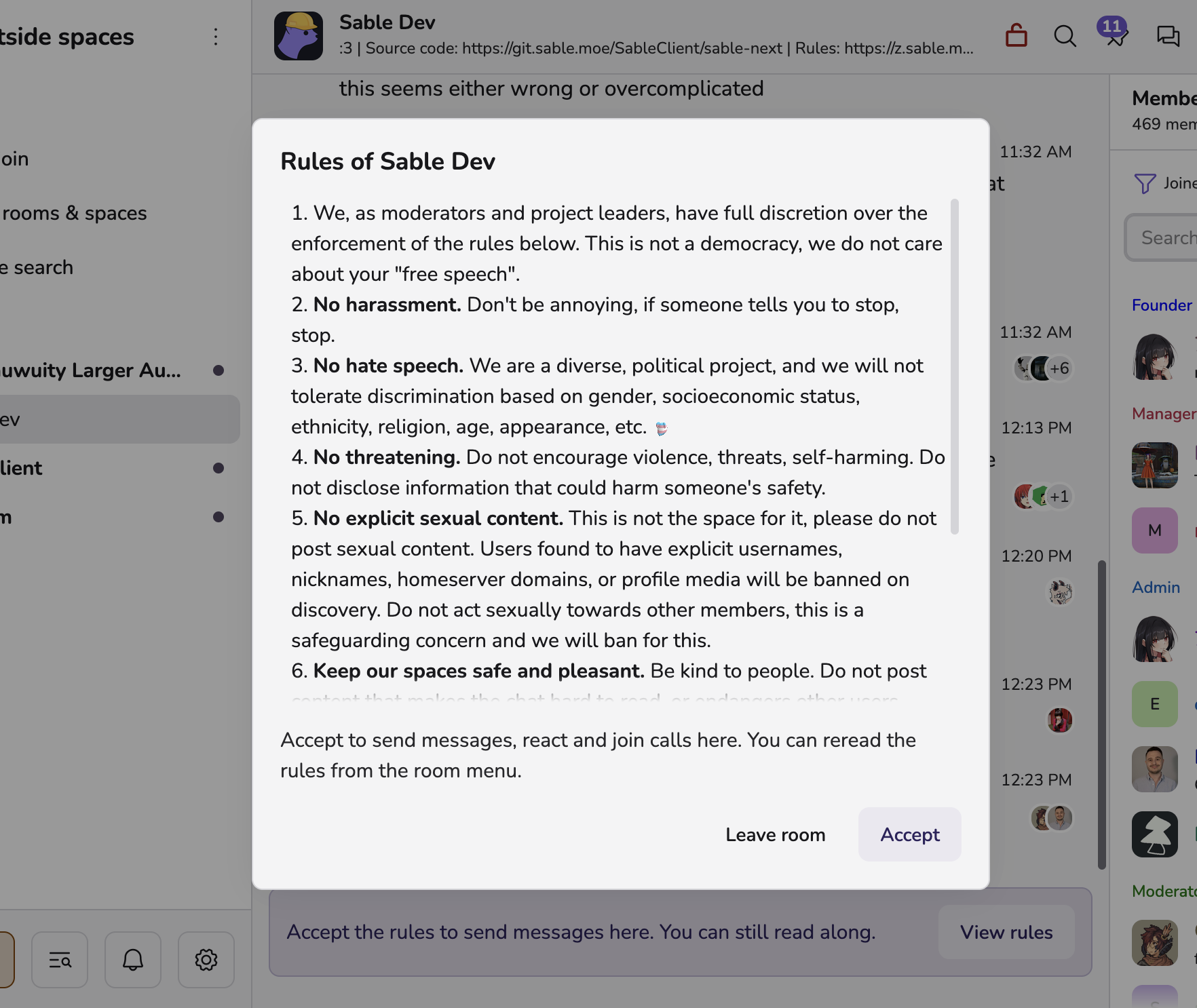
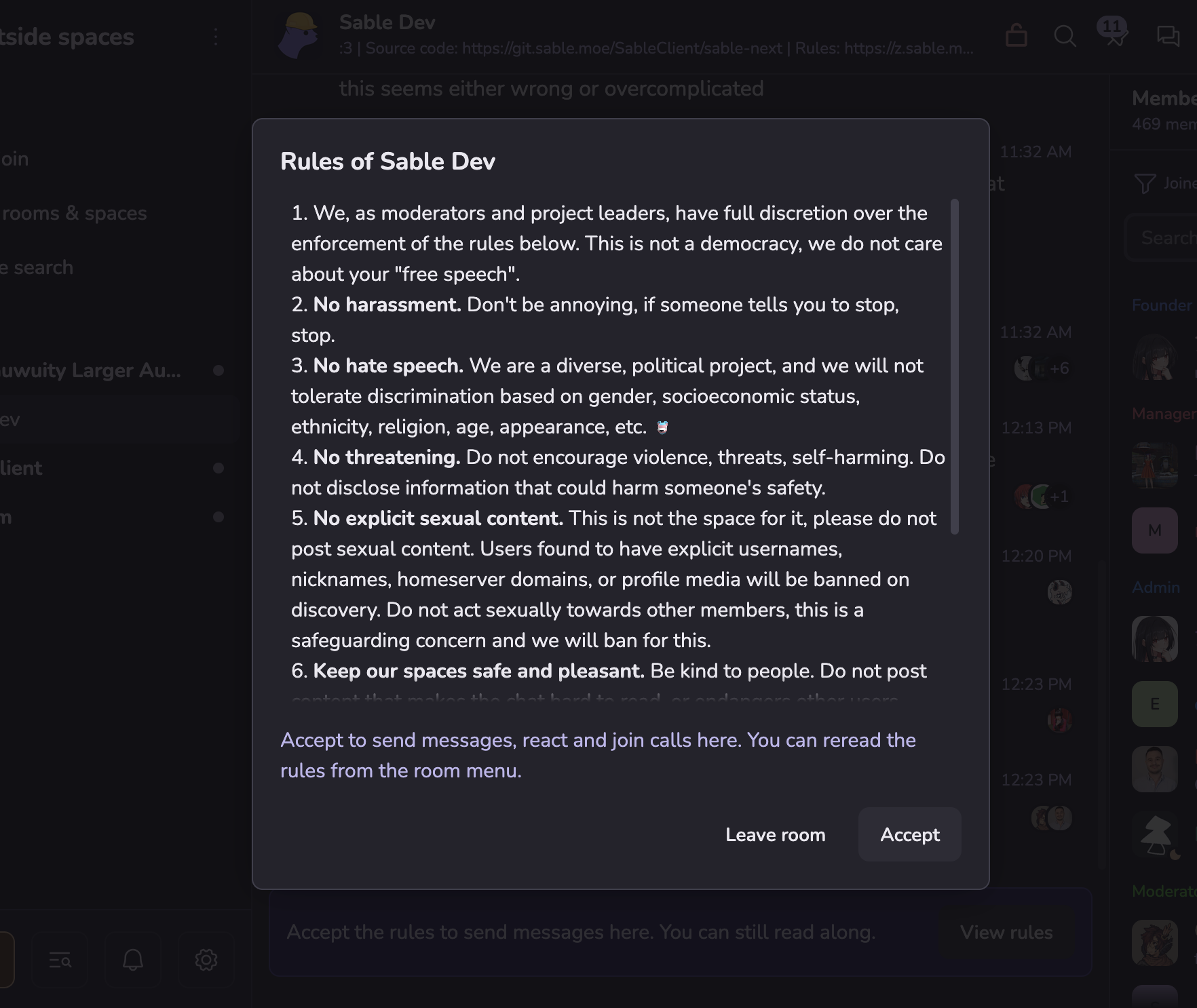
You can find the rules at any time in the toolbar above the timeline, or in room settings.